
12 Prompt Engineering Best Practices I Learned The Hard Way Building AI
Each of these is written with blood, sweat, and tears (mainly tears)

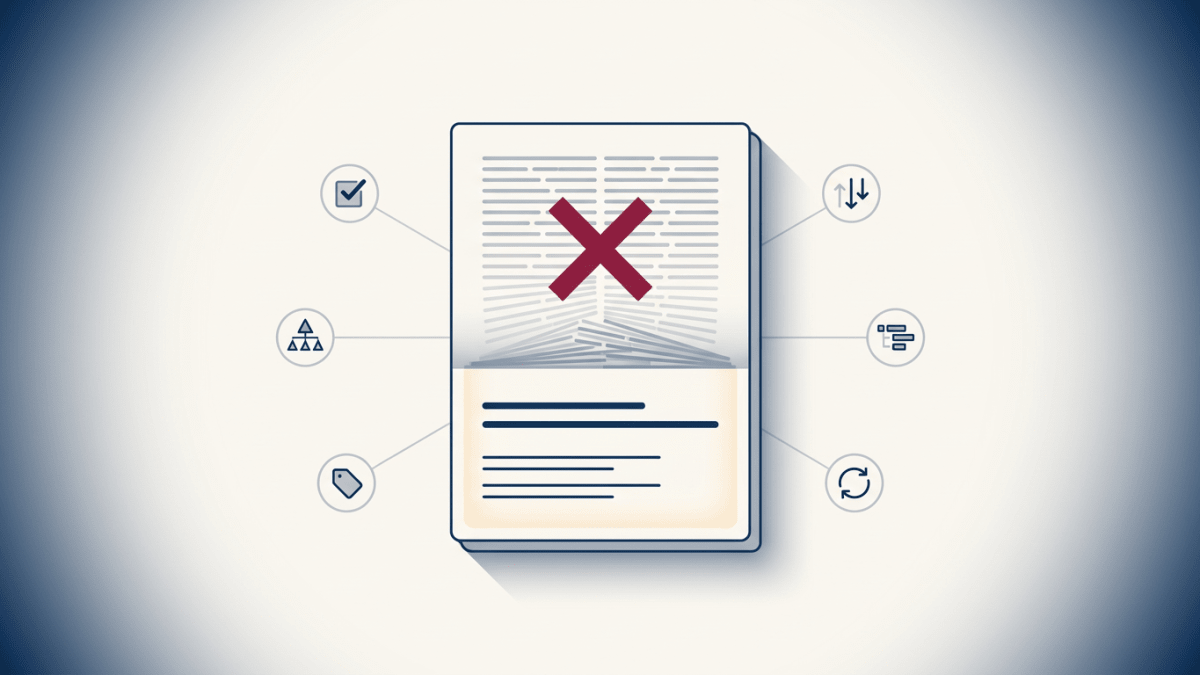
Stack ten instructions into an AI prompt and watch even the best models fail.
And it’s not just that some of those instructions just get ignored. Every constraint you add competes with every other constraint for the model’s attention, so each addition to your prompt quietly degrades everything else next to it.
You think you’re being thorough, but what you’re doing is creating Frankenstein-level prompts that you expect your AI to follow exactly. And then when it doesn’t, you blame the model, when in reality it’s the fault of the prompt engineer (ie, you).
I learned this the hard way, improving Flyletter‘s AI newsletter writing agents by essentially breaking them until they stopped breaking and actually started improving.
So I’m handing you the 12 prompt engineering practices I won through months of live failures, not because I’m brilliant but because I’m stubborn.
This isn’t a list I curated from someone else’s blog post based on random theories I never tried. These are the exact best practices that all of Flyletter’s AI agents follow.
Some of them are architectural, the skeleton of how you build the prompt. Some are pure wording, the language your AI reads and adheres to. But all of them will improve your prompts. Let’s get after it.
Core Prompt Engineering Best Practices
1. Goals and Guardrails Over Rigid Rules
I originally built Flyletter’s agents based on lists of rules to follow. And I thought that was the best approach. Clean, reasonable rules, each one written because something had gone wrong once. But the more I stacked, the worse the AI agents behaved.
Turns out, that’s not a wording problem. It’s architectural. Every rule you add competes with every other rule for the model’s attention, with AI models only following between 20% to 50% of your rules when you stack more than ten.
And the worst part? The rules at the very end of the list are the ones most likely to get dropped, which are typically the ones you’re adding to correct bad behavior.
Instead, replace the rule list with one clear goal and two or three hard guardrails.
Before, I had a block like this:
Write in the user’s brand voice. Don’t use bullet points. Keep it under 400 words. Avoid jargon. Use short paragraphs. Don’t sound corporate. Include a CTA. Match the subject line tone. Don’t repeat the opening line. Stay positive.
After, I had something more like this:
Goal: Draft a newsletter section that sounds like this creator on their best day.Guardrails: Factual claims must trace to the brief. Typical newsletter sections are 400 words or less.
Same intent. A fraction of the cognitive load.
2. Show, Don’t Tell
One strong example anchors the model better than three paragraphs of description. I spent weeks writing more and more precise descriptions of the voice output I wanted Flyletter to emulate. None of them moved the needle like dropping in a single sample paragraph of the real thing.
The reason is mechanical. Models work from an example faster than they parse a description, because the example becomes the concrete reference point the model checks its own output against. A description is a target it has to imagine. An example is a target it can see.
This is also why guardrails like “Write in flowing prose” beats “Don’t use bullet points.” One shows the model what good looks like. The other just tells it what to avoid and leaves the rest to chance.
So, when you’re engineering your prompts, make sure you’re providing concrete examples of the output you expect, otherwise you will be continuously disappointed with the results.
3. Avoid Bloated Prompts
Less is more. The single biggest jump in Flyletter’s output consistency didn’t come from any wording change, it came from aggressively cutting an agent’s prompt down to its most important parts.
AI output degrades at just 3,000 tokens of instruction, well below any model’s context limit. And this includes not only the prompt itself, but any input you give it to analyze as part of its agent instructions.
For example, if your instructions are only 300 tokens but you give it a 10k token research report to synthesize, that’s 10.3k tokens it has to spend.
Flyletter’s newsletter writing agent started with 24k tokens of instructions and inputs, and I was pulling my hair out trying to improve the output, ironically adding more to the prompt. Things only started improving when I spent upgrade cycles only removing things from the prompt.
Structural Prompt Engineering Best Practices
4. Use XML Tags for Structure
XML tags give the model unambiguous section boundaries that traditional Markdown headers (ie, H2, H3, etc) can’t match once a prompt gets complex.
A “## header” (aka an H2 header) tells the model “this is a heading.”
A <context> tag tells it “everything between here and </context> is the context, and nothing else is.”
Before:
## Context
Here’s the brand info and the last issue.
## Task
Write the next section.
After:
<context>Brand info and the last issue go here.
</context>
<task>Write the next section.
</task>
With short prompts it barely matters. With the long, multi-part prompts that run real agents, the tags stop the model from bleeding one section into another.
5. Data first, Directive Last
Put the context, the examples, and the background before the task it’s supposed to complete. That way, it has proper context before it reads its agent instructions.
This also solves the “lost in the middle problem,” where AI tends to ignore the middle of long prompts, latching on to what it read first and last. That’s why all Flyletter writing agents start with the user’s unique brand voice profile, and end with the instructions on what it’s actually doing with the brand voice (ie, crafting a subject line, drafting a newsletter, writing social posts).
6. Say it Once
Repetition causes unnecessary token bloat, and any differences between the repeating instruction causes drift that confuses the AI model. When the same type of constraint shows up more than once, the model weights both instances, treats them as competing anchors, and picks between them inconsistently.
Every instruction you add to your prompts should live in one place. Then, rely on priority hierarchy to ensure the AI model understands the varying importance of those instructions.
7. State an Explicit Priority Hierarchy
When you have instructions that don’t have clear priority order, the AI model will decide for itself what’s most important, and you’ll be left with output that looks wrong for reasons you can’t trace.
What’s worse, if you have two instructions that conflict and don’t have priority hierarchy, the model behaves inconsistently and silently picks one.
Two things fix it: First, make sure your instructions are added in priority order. For example, if you have a list of guardrails, make sure that the most important guardrails come first in that list.
Second, make it clear that if any instructions conflict, which one takes precedence. For example, because Flyletter’s most important attribute is to capture your unique brand voice, I could add a line like:
If instructions conflict, prioritize brand voice over forbidden AI phrases to avoid.
That way, even though em dashes are forbidden, if the user’s natural writing style uses em dashes, the Flyletter agents know to rely on the user’s brand voice profile instead of the standard forbidden phrases list.
Phrasing Prompt Engineering Best Practices
8. Use Positive Language
If you’re like me, then you verbally assault Claude when you’re talking to it, saying things you hope no one sees even though you know Anthropic is tracking us anyway.
Well, don’t do that when creating prompts.
Negative instructions draw the model’s attention straight to the behavior you’re trying to kill. Tell it “Don’t use bullet points” and you’ve just put bullet points front of mind. Tell it “Write in flowing prose” and you’ve given it a target to aim at instead of a minefield to tiptoe around.
Give the model somewhere to go, not just something to avoid.
I’ve even found this works when I’m chatting with Claude (or GPT). Instead of saying, “don’t fuck this up,” I often get better output by saying, “we all believe in you, if this works you will be celebrated.” Just don’t tell the AI that I never celebrate them.
9. Explain the Why
Models generalize better from a reason than from a bare command. “Avoid jargon so a non-technical reader can follow” outperforms “Avoid jargon” by itself, every time.
The “why” is what gives the model a decision rule it can apply to the edge cases your instruction never anticipated. “Avoid jargon” leaves the model guessing whether “API” counts. “So a non-technical reader can follow” answers that for it. The why does the work a list of bare rules can’t.
10. Dial Back the Aggressive Language
This one is tough, and also why I know AI isn’t actually conscious, because it would’ve already sued me based on my verbal bullying.
But resist this when writing prompts.
The newest models follow instructions more literally, and they over-trigger on CRITICAL, MUST, and “you absolutely must.” Those words worked for years. They don’t anymore.
When every third line is screaming, nothing stands out, and the model starts contorting its output to honor emphasis you didn’t actually mean.
Plain phrasing lands better now. Reserve the hard imperatives for genuinely hard constraints, so that when you do raise your voice, it actually signals something.
11. Keep Descriptors Neutral
Every description with loaded phrases bias the output toward one direction, even if you didn’t intend it.
For example, we used to tell every writing agent in Flyletter to “write as this person on their sharpest day.” However, “sharp” was vague and caused the writing output to be biased toward short, fragmented sentences that did not align with the user’s actual brand voice.
Just a small tweak to the descriptor improved the output:
Before:
Write as this person on their sharpest day.
After:
Write as this person on their best day.
For whatever reason, “best” was the right word for the model to understand that Flyletter users are not only looking for AI that writes like them, but writes like they wish they could. “Best” elevated the writing output, “sharpest” sent the AI off-track.
Closing Prompt Engineering Best Practice
12. Verify at the End
A closing self-check works best as a verification list, not a restatement of the rules. Don’t remind the model of the constraints it already read. Give it 3 or 4 specific things to confirm before it outputs.
Drop something like this at the very bottom of the prompt:
Before responding, confirm: (1) the output matches the goal, (2) no forbidden phrases appear, (3) the format matches the spec.
That turns the tail end of your prompt, the spot where attention is sharpest, into a final gate instead of an echo. Hand the model a checklist, and it checks. Hand it a summary of what it should’ve done, and it nods.
Bottom Line
More prompt instructions, formatted poorly, produce less reliable AI. That’s pretty much the whole thing. Bad AI output isn’t a bug you patch with a fourteenth rule and an ALL CAPS warning. It’s the predictable result of treating a prompt like a rulebook instead of a system.
The fix is four principles working together across twelve prompt engineering best practices: A goal with a couple of guardrails instead of a pile of rules. A structure the model can actually parse. Phrasing that doesn’t over-trigger the newest models. And a system design to verify its own work at the end.